Getting started
This guide takes you from an empty project to a working /visuauth/admin in
four steps. It assumes you are comfortable with ASP.NET Core and EF Core.
Prerequisites
- .NET 10 SDK or later.
- A project that uses (or will use) ASP.NET Core Identity with EF Core — SQL Server, PostgreSQL, or SQLite all work.
app.UseStaticFiles()in the pipeline (almost every app already has it) — VisuAuth ships its CSS and the embedded htmx asset as static web assets.A complete reference consumer lives in
samples/Sample.WebApp; it exercises every public surface.
1. Install
That meta-package pulls in VisuAuth.Abstractions, VisuAuth.Identity,
VisuAuth.AdminUi, and VisuAuth.EndUserUi as transitive dependencies. Need
only a subset? Install the individual VisuAuth.* packages instead.
2. Define an Identity user, DbContext, and migrations
Define an Identity user and the DbContext that owns it. The single-tenant form
below is fine even if you plan to opt into multi-tenancy later — swap
IdentityUser for MultiTenantIdentityUser and IdentityDbContext<TUser> for
MultiTenantIdentityDbContext<TUser> when you do (see
Multi-tenancy).
public sealed class ApplicationUser : IdentityUser { }

public sealed class AppDbContext(DbContextOptions<AppDbContext> options)
    : IdentityDbContext<ApplicationUser>(options);
Create the AspNet* tables:
VisuAuth adds no tables of its own for the core admin / end-user surfaces. Optional plugins are explicit and documented — for example the audit-log plugin creates a
VisuAuthAuditLogtable only when you enable it.
3. Wire VisuAuth in Program.cs
using Microsoft.AspNetCore.Identity;
using Microsoft.EntityFrameworkCore;
using VisuAuth;
using VisuAuth.Identity.Authentication;

var builder = WebApplication.CreateBuilder(args);

builder.Services.AddDbContext<AppDbContext>(options =>
    options.UseSqlite(builder.Configuration.GetConnectionString("Default")));

builder.Services
    .AddIdentity<ApplicationUser, IdentityRole>()
    .AddEntityFrameworkStores<AppDbContext>()
    .AddDefaultTokenProviders();

// The drop-in: registers the Identity adapter + admin UI + end-user UI.
builder.Services.AddVisuAuth<ApplicationUser>();

// The end-user sign-in pages and the mobile API issue JWTs, so register an
// issuer. HS256 — the signing key must be at least 32 UTF-8 bytes. Load it
// from configuration or a secret store; never hard-code it.
builder.Services.AddVisuAuthJwt<ApplicationUser>(options =>
{
    options.SigningKey = builder.Configuration["VisuAuth:Jwt:SigningKey"]!;
});

var app = builder.Build();

app.UseStaticFiles();    // serves /_content/VisuAuth.AdminUi/visuauth.css etc.
app.UseRouting();
app.UseAuthentication();
app.UseAuthorization();
app.MapVisuAuth();

app.Run();
AddVisuAuth<ApplicationUser>() is the drop-in; AddVisuAuthJwt<ApplicationUser>()
wires the JWT issuer the end-user pages and the mobile API depend on. No
Node.js, no build step, no Razor file copying, no manual middleware wiring.
Why the JWT issuer is required. Even the web sign-in page mints a JWT (for the WebView / mobile return flow), so it resolves
IJwtIssuerfrom DI. WithoutAddVisuAuthJwt,/visuauth/loginand the/visuauth/api/auth/*endpoints fail at runtime. The admin dashboard alone does not need it.
The snippet above reads a Default connection string and a JWT signing key —
add both to appsettings.json (SQLite shown; swap the provider to match your
database). The signing key is your secret: VisuAuth does not bind it for
you, so in production load it from user-secrets / environment / a vault rather
than committing it:
{
  "ConnectionStrings": {
    "Default": "Data Source=app.db"
  },
  "VisuAuth": {
    "Jwt": {
      "SigningKey": "change-me-to-a-32-byte-or-longer-random-secret"
    }
  }
}
Prefer finer control?
AddVisuAuth<TUser>() is the recommended shorthand. The same registration has
a fluent form so you can pick exactly the surfaces you want:
4. Try it
Run the app and open:
/visuauth/admin— the dashboard./visuauth/login— the public sign-in page./visuauth/register,/visuauth/forgot-password,/visuauth/reset-password,/visuauth/confirm-email.
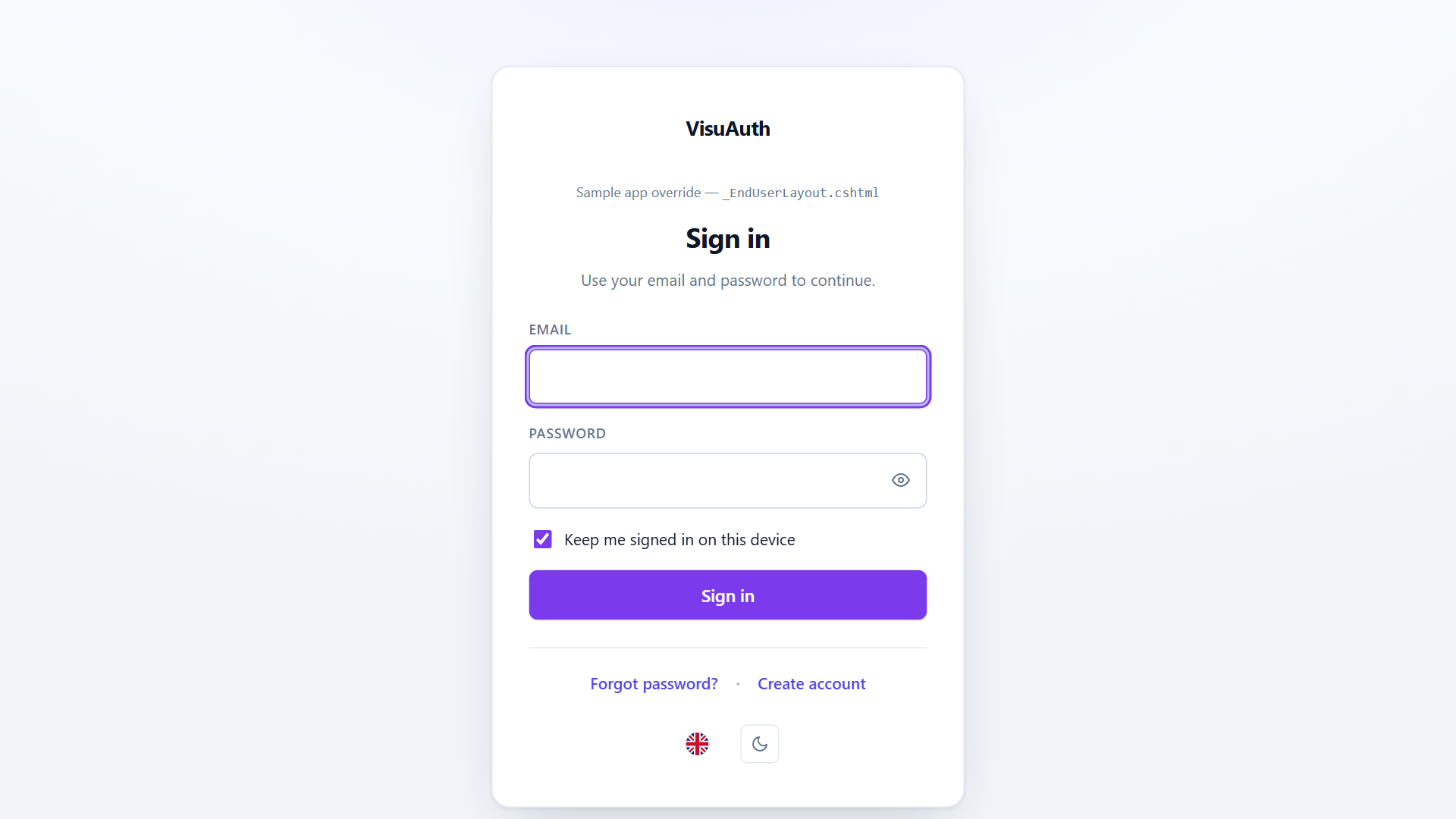
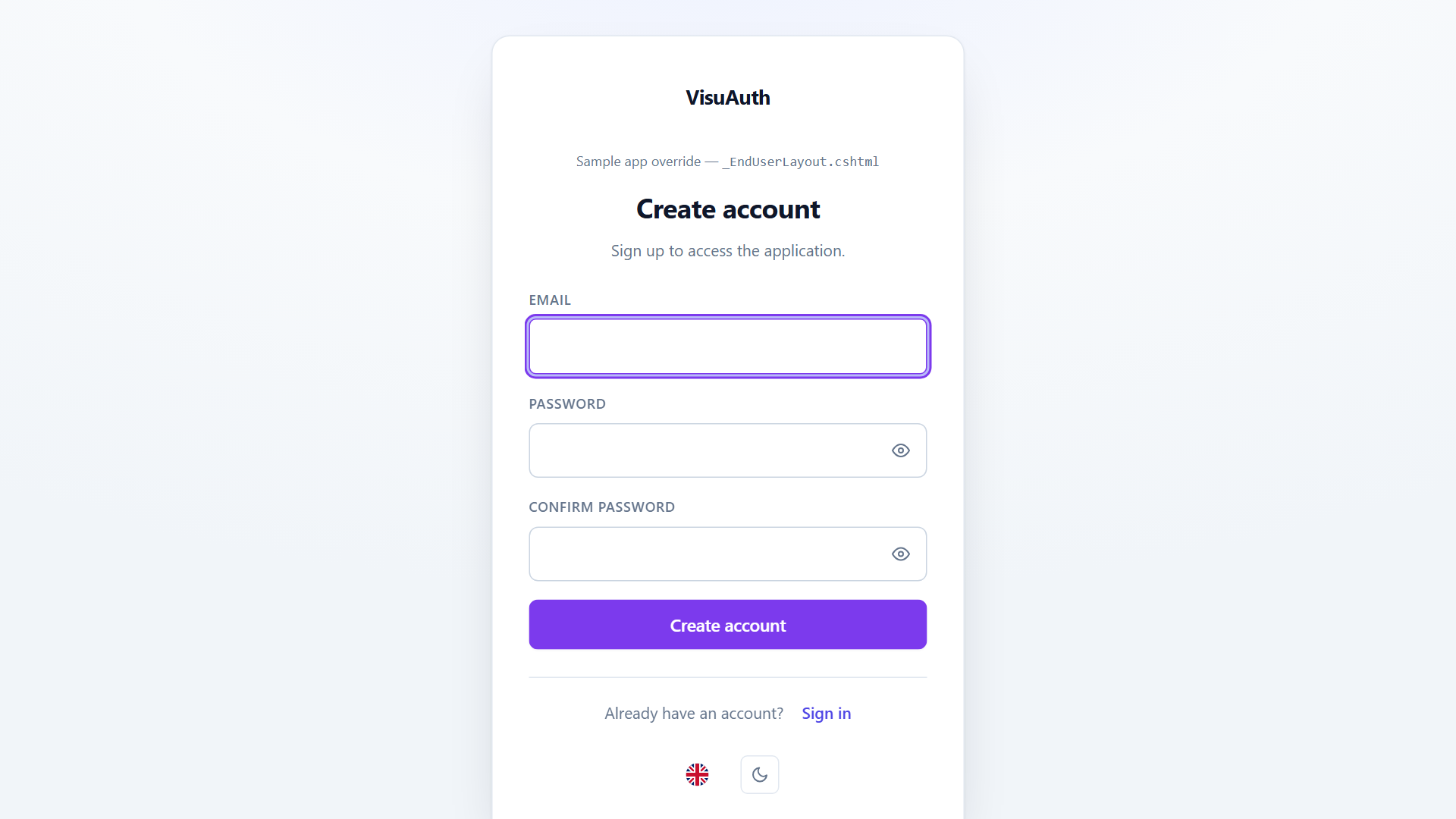
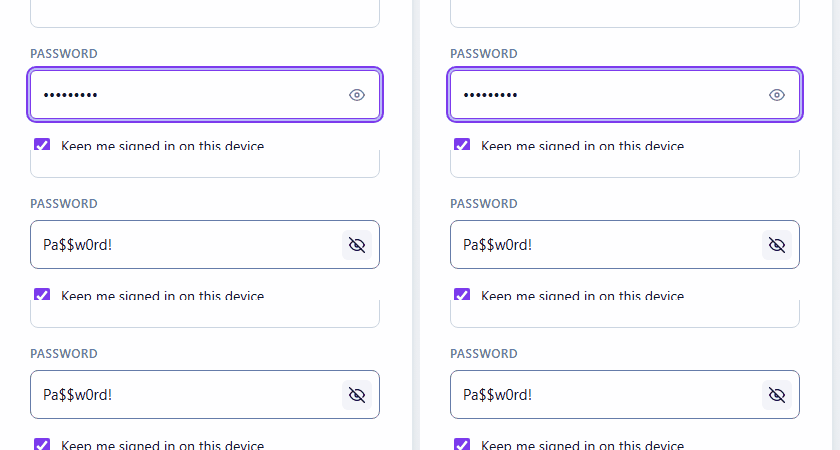
The end-user pages ship with the niceties you'd otherwise build by hand — a show/hide password toggle and a built-in language switcher (pt-BR / en):
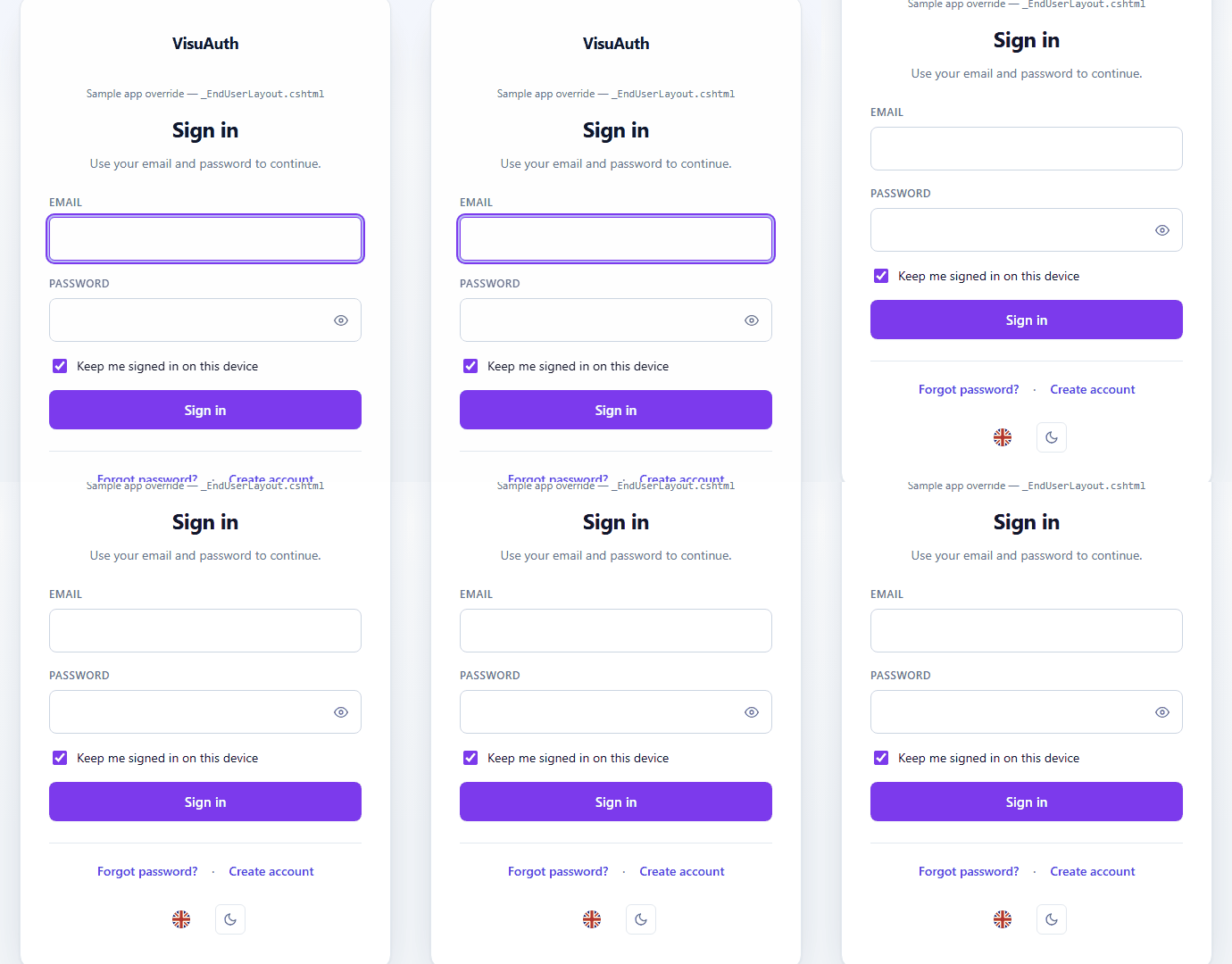
The admin dashboard is protected by default. Every page under
/visuauth/adminrequires an authenticated user. That is secure, but usually looser than you want — every signed-in end user qualifies. Restrict it to a role in one line:The same argument works on the fluent form (
.AddAdminUi(admin => admin.RequireRole("Admin"))). For anything beyond roles — claims, custom requirements — useadmin.ConfigurePolicy(...):.AddAdminUi(admin => admin.ConfigurePolicy(p => p.RequireAuthenticatedUser().RequireClaim("department", "it")))Registering an authorization policy named
VisuAuthAdminUiServiceCollectionExtensions.AdminAuthorizationPolicyyourself also works and takes precedence over both.If the dashboard is already fenced off some other way (an upstream gateway, network isolation), call
builder.Services.AllowAnonymousVisuAuthAdmin()to drop the built-in gate.VisuAuth refuses to start if the admin requires an authenticated user but your app registers no authentication scheme — otherwise the mistake would only surface as a 500 on the first admin request in production. ASP.NET Core Identity registers one for you; for Microsoft Entra ID add
VisuAuth.Entra.Web.
Where to next
| You want to… | Read |
|---|---|
| Understand the contracts adapters implement | Backend abstraction & capabilities |
| Serve multiple tenants from one app | Multi-tenancy |
| Re-brand the UI (colors, logo, full view overrides) | Theming |
| Issue JWTs for a mobile app, or use the WebView flow | Mobile & JWT |
| Put the admin UI in front of Microsoft Entra ID | Microsoft Entra ID adapter |
| Understand the security model and threat coverage | Security posture |