Mobile & JWT
VisuAuth supports two mobile flows over the same backend and the same JWT issuer — the only difference is how the request arrives.
The two flows
- REST API. The mobile app builds its own native UI, POSTs credentials to
/visuauth/api/auth/login, and receives a JWT. Use this for a 100% native experience. - WebView. The app opens an in-app browser at
/visuauth/login?returnUrl=myapp://callback. After authentication the server redirects to the deep link with the JWT appended. Use this to reuse the same themed pages — including external providers — as the web flow.
JWT
Register the issuer with AddVisuAuthJwt<TUser>(…) and configure it through
JwtOptions in the lambda — there is no built-in configuration-binding key, so
load secrets yourself (here from a VisuAuth:Jwt:SigningKey config entry that
you define):
using VisuAuth.Identity.Authentication;

builder.Services.AddVisuAuthJwt<ApplicationUser>(options =>
{
    options.SigningKey = builder.Configuration["VisuAuth:Jwt:SigningKey"]!; // 32+ UTF-8 bytes
    options.Issuer = "VisuAuth";        // iss claim   (default "VisuAuth")
    options.Audience = "VisuAuth";      // aud claim   (default "VisuAuth")
    options.LifetimeMinutes = 60;       // token lifetime (default 60)
    options.ClockSkewMinutes = 5;       // validation skew (default 5)
});
This also adds the JWT bearer authentication scheme, so the same token
authenticates callers against any [Authorize]-protected endpoint you mount.
- HS256 with a symmetric signing key (must be at least 32 UTF-8 bytes — the issuer throws at startup on a shorter key).
- Claims:
sub(user id),email,jti(token id),visuauth_stamp(the user's security stamp),tenant_id(when multi-tenant), and the user's roles as standard role claims (ClaimTypes.Role), plusiss/aud/nbf/expfrom the token envelope. - Default lifetime 60 minutes, configurable via
JwtOptions.LifetimeMinutes.
AddVisuAuthJwtis required for the end-user sign-in pages too, not just the mobile API — see Getting started.
Rotating the signing key
SigningKey is the only key used to sign new tokens, but validation accepts
SigningKey plus any AdditionalValidationKeys. That lets you rotate without
invalidating tokens already in flight:
options.SigningKey = newSecret;                       // sign everything new with the new key
options.AdditionalValidationKeys.Add(previousSecret);  // still accept the old key…
Keep the old key in AdditionalValidationKeys for at least one
LifetimeMinutes window (so outstanding tokens keep validating), then drop it
on the next deploy. Each key must also be 32+ UTF-8 bytes. Load these from your
secret store — never from source.
Flow 1 — the REST API
Three minimal-API endpoints are mounted under /visuauth/api/auth (by
MapVisuAuth). All three return the same success shape on success.
POST /visuauth/api/auth/login
POST /visuauth/api/auth/login
Content-Type: application/json

{ "email": "alice@example.com", "password": "Pa55w0rd!" }
// 200 OK
{
  "accessToken": "eyJhbGciOiJIUzI1NiIs...",
  "expiresAt": "2026-06-04T13:00:00+00:00",
  "userId": "9f1c…",
  "email": "alice@example.com",
  "tenantId": null
}
Failures return an AuthErrorResponse ({ "error": "...", "details": [...] })
and never reveal whether the account exists. Status codes: 400 for missing
fields, 401 for invalid credentials (and when two-factor is required),
423 Locked when the account is locked out, and 403 Forbidden when sign-in is
not allowed (e.g. email not confirmed).
POST /visuauth/api/auth/register
Same body as login. Returns the same token payload on success so the app signs
the user straight in. Returns 403 when the backend doesn't support
self-service registration (Capabilities.SupportsRegistration == false), 400
on validation failure.
POST /visuauth/api/auth/refresh
Send the current (even expired) token as a bearer header; get a fresh one:
The presented token may be expired, but it must still be authentic and un-revoked:
- Signature, issuer, and audience are validated (only the lifetime check is
skipped), so a forged or tampered token can never mint a token for an
arbitrary
sub. - The token's
visuauth_stampmust still match the user's current security stamp. A token revoked via Revoke sessions (or by a lockout / password change) therefore cannot be exchanged here for a fresh one. This check fails closed: a token carrying no stamp is rejected. - The user is re-read from the backend and lockout re-checked.
Returns 401 if the header is missing/malformed, the token fails validation,
the stamp no longer matches, or the user is no longer eligible.
Revocation & the security stamp. Every token carries the user's security stamp as the
visuauth_stampclaim, and the bearer scheme validates it on every authenticated request (default). A token minted before an admin clicks Revoke sessions — or before a lockout or password change — is rejected with401on its next use, because rotating the stamp no longer matches the value baked into the token. This costs one user lookup per authenticated request; setJwtOptions.ValidateSecurityStamp = falseto skip it and fall back to expiry-bounded revocation (tokens then stay valid untilexp, so keepLifetimeMinutesshort).
Opaque refresh tokens (recommended)
By default, refresh reissues from the access token itself — which means a leaked access token stays renewable until it is revoked. Opt into real refresh tokens:
using VisuAuth.Identity.DependencyInjection;

builder.Services.AddVisuAuthRefreshTokens(options =>
{
    options.Lifetime = TimeSpan.FromDays(30); // default
});
Then add a migration — the plugin persists tokens in the
VisuAuthRefreshTokens table on your own DbContext:
What changes. Sign-in and registration responses gain a refreshToken, and
/refresh expects it in the body instead of a bearer header:
The response carries a new access token and a new refresh token — store it, because the one you just sent is now dead.
The old path closes on purpose. Once the plugin is on,
/refreshno longer accepts an access token in theAuthorizationheader. Leaving that fallback open would let an attacker with a leaked access token keep renewing it — exactly what refresh tokens exist to prevent. This is a contract change for existing mobile clients, which is why it is opt-in.
How it protects you.
- Opaque — the token is random and means nothing on its own; only its SHA-256 hash is stored, so a database leak hands out nothing usable.
- Single-use + rotating — every redemption returns a replacement and retires the old value.
- Replay detection — presenting an already-redeemed token means it leaked (the real client and an attacker both hold it, and we cannot tell which is which), so the whole token family is revoked and the user signs in again.
- Sliding window — an active client keeps rotating and stays signed in; an
idle one is cut off after
Lifetime.
Failures — unknown, expired, revoked, or replayed — all return the same 401,
so a caller cannot probe for valid tokens.
Calling protected endpoints
Attach the token to your own [Authorize] endpoints:
AddVisuAuthJwt already registered the bearer scheme with matching validation
parameters, so no extra setup is needed.
Multi-tenant API calls. The REST endpoints resolve the tenant the same way as the web app — send the
X-Tenant-Idheader (see Multi-tenancy). The issued token carries the resolved tenant in itstenant_idclaim and in the responsetenantId.
Flow 2 — the WebView deep-link flow
A native app opens an in-app browser at
/visuauth/login?returnUrl=myapp://callback. After a successful sign-in the
server appends the JWT to the callback URL and redirects to it — so the app
reuses the same themed pages (including external providers) and still ends up
with a token.
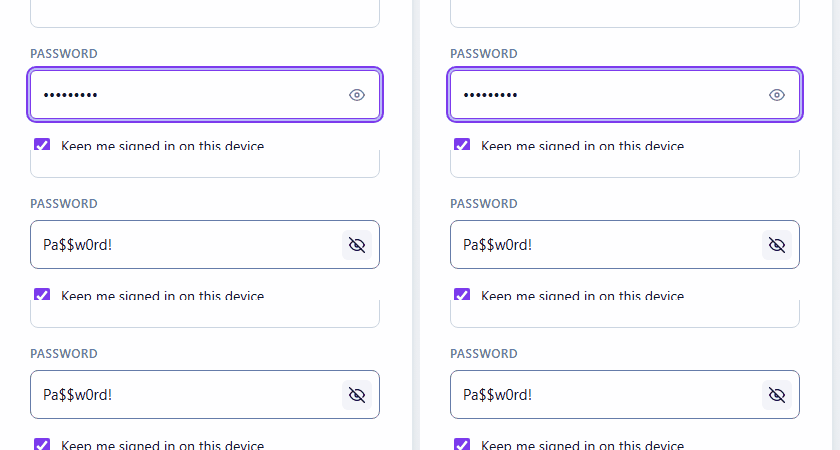
That means your native sign-in screen is the themed web page, with the niceties already built in — the show/hide password toggle, for instance:
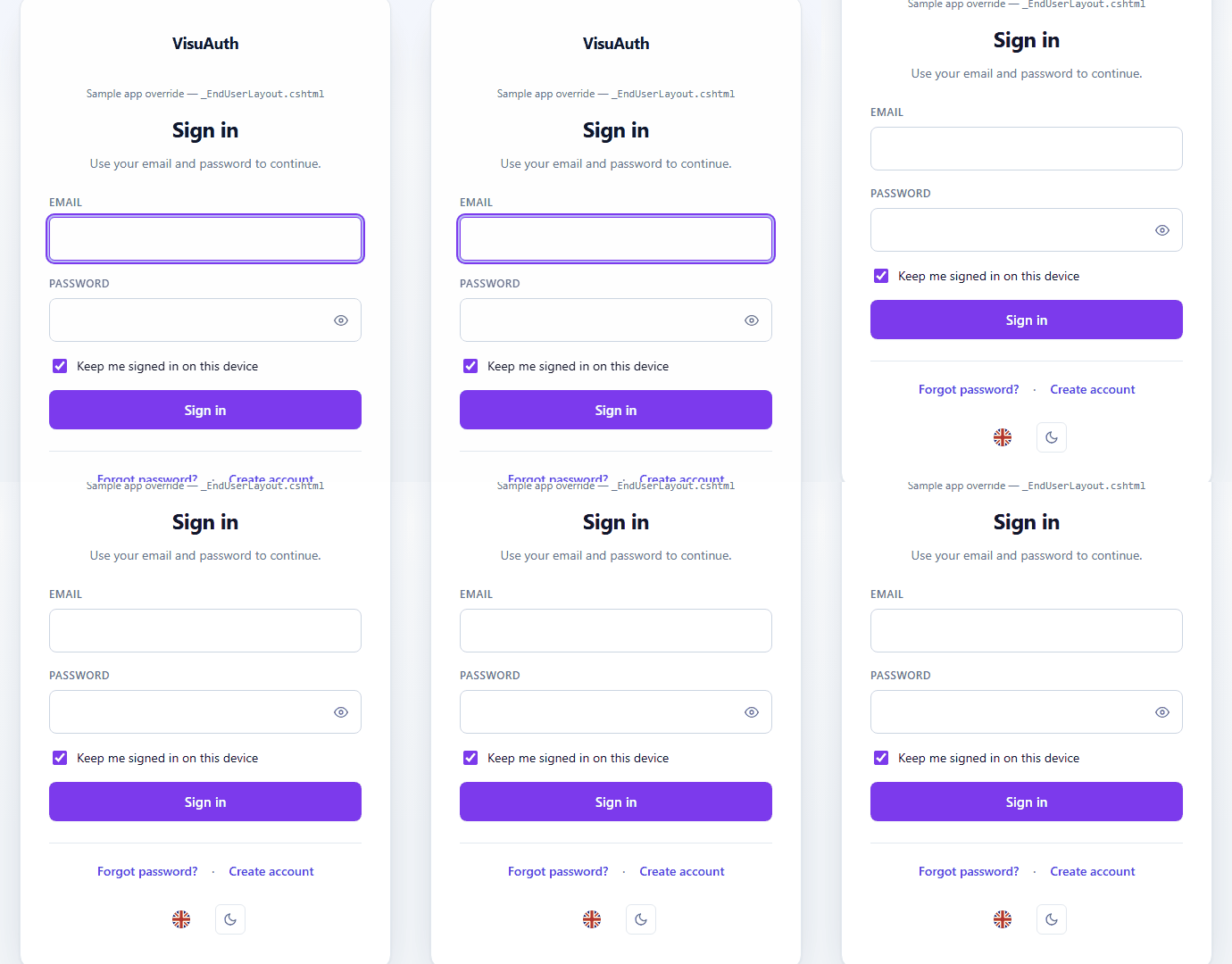
It also inherits theming and the language switcher, so a native app gets light/dark and localisation without shipping a second implementation:
Enable it by allow-listing your custom scheme:
services.Configure<WebViewCallbackOptions>(o =>
{
    o.AllowedSchemes.Add("myapp");        // case-insensitive
    o.TokenPlacement = WebViewTokenPlacement.Fragment;  // default
});
- Allow-list is mandatory. Only schemes in
AllowedSchemesare honoured; areturnUrlwhose scheme isn't listed falls back to the normal web redirect, so the login page can't be turned into an open-redirect gadget.http/httpsare always ignored even if added. - Token placement.
Fragment(default) appends the token after#(myapp://callback#access_token=…&expires_at=…&user_id=…) — fragments aren't sent inRefererheaders or logged, mirroring the OAuth2 implicit-flow convention.Queryappends?access_token=…instead, if your deep-link handler can't read fragments. - Preview page for local dev. Set
ShowPreviewPage = trueso the page renders a confirmation panel with the (copyable) callback URL instead of redirecting silently — handy on a dev machine wheremyapp://has no registered handler. Leave itfalsein production.
Not an OIDC server
VisuAuth issues a simple HS256 JWT — no discovery endpoint, no JWKS, no token rotation. That's deliberate: it keeps the mobile story to "post credentials, get a token" without re-introducing IAM-server complexity. If you need OIDC, pair VisuAuth with a real token server such as Duende IdentityServer.